

Networks and infrastructure
Opening a new office or site: an IT checklist
A new office IT checklist as a timeline: premises, day-one needs, internet and network, doors and cameras, devices, suppliers and who decides each step.
Networks and infrastructure
Review the connections behind your offices, applications and remote work, then plan changes with a clear scope and checks at every step.

Network infrastructure is everything that carries your work between people, offices, cloud services and suppliers: internet lines, routers, switches, Wi-Fi, cabling, firewalls and remote access. When it is well understood, applications behave predictably and changes are planned rather than improvised. When nobody holds a current picture of it, small faults turn into long investigations. BlueNova IT helps small and midsize companies operating across Europe to document, review and plan changes to the connections their business relies on.
This page covers the connectivity layer. For protecting the systems that run on top of it, see our cybersecurity service.
Operating in several countries adds its own complications. Internet suppliers, building arrangements and equipment availability differ from one country to the next, and a change that is simple in one office may need extra coordination in another. Looking at all sites together, with one English and Spanish speaking point of contact, avoids duplicated effort and surprises.
The exact scope is agreed for each organisation before work begins. A network infrastructure engagement typically draws on the areas below.
We list the internet services at each site, who supplies them and which applications or teams depend on each line. Depending on the case, this can include finding out where one failure would stop work, and where a simple change could remove that risk.
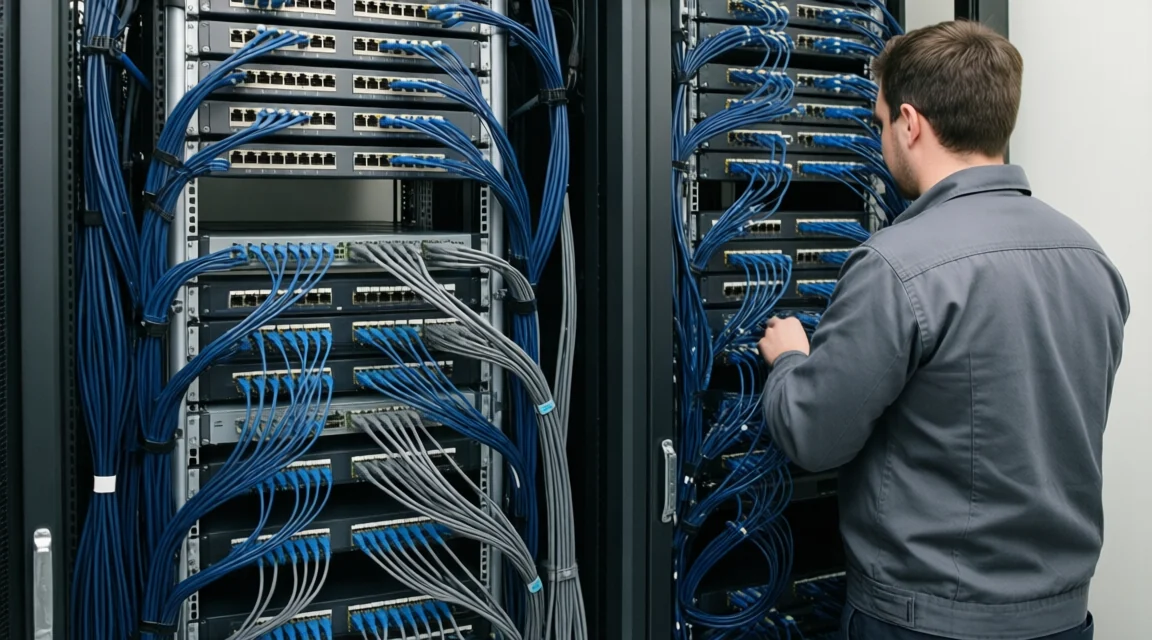
Cabling, switches and Wi-Fi coverage serve different needs. We look at how staff, guests and devices connect, how they are separated and where complaints about slow or unstable connections actually come from, instead of assuming a single device is the cause. Our guide to structured cabling covers the decisions to make before commissioning a cabling project, and our guide to planning a business network shows what to assess first.
People reach internal systems from home, from client sites and while travelling. We review how that access is provided, who authorises it and how it is reviewed when someone changes role or leaves.
You receive a plain-language inventory of routers, firewalls, access points and other equipment, together with who maintains each item and which supplier to contact. This is often the document a company is missing when something goes wrong.
Where a change is in scope, this can include agreeing the intended result, the sequence of work, who must be informed and how the result will be checked afterwards. Changes can need coordination with existing suppliers, building access or other projects, so these dependencies can be written down early.
Whatever the review finds is written up in plain language: a simple map of sites and connections, a list of equipment and suppliers, and the open questions that remain. The document belongs to you. It can be used to brief a new colleague, to compare supplier quotes on equal terms or to plan the next change without starting from zero.
The scope above lists what you receive. This section explains how the work behind it is done and why it follows this order, so that you can judge whether it fits your situation. The order matters: proposing options before the current state is agreed is how a router gets replaced while the real problem stays where it was.
Network documentation tends to be out of date in one of two ways: it was never written, or it describes how the network was installed rather than how it is used today. The people on site usually know which line the office really relies on and which supplier gets the call when something stops. So we begin with an interview for each site, not with assumptions made from head office.
For each site, the interview covers the internet lines, who supplies each one, which applications depend on it and which equipment is installed. The questions are basic on purpose: a plain account of each line, supplier, application and device is what the rest of the work builds on. Each site is handled separately, because lines, suppliers and building arrangements rarely match from one country to the next.
The map is a simple diagram, and it belongs to you. It shows each site, the internet lines that serve it and the links between sites. It stays simple on purpose: a map is only useful if someone who did not build the network can read it, and a diagram that needs a specialist to interpret tends to stop being updated.
The way to use it is to pick any line and ask what would stop if it failed. The interview also records which applications depend on each line, so the answer does not have to be reconstructed from memory.
The inventory lists routers, firewalls, access points and other equipment and, for each item, who maintains it and which supplier to call. A few plain questions make it useful:
The inventory describes the current situation. It is not a verdict on the equipment: it is a starting point for deciding what to ask suppliers and what to leave as it is.
In a business with several sites, the operator and the local supplier are usually different at each one, and each may work in its own language and follow its own process. We act as the single point of contact, in English and Spanish, with the operators and local suppliers of each site. One conversation is easier to keep consistent than several. Without one contact, the same question tends to reach each supplier from a different direction. For a site you are still planning, see our IT checklist for opening a new office or site.
Some things cannot be promised in advance. Whether on-site installation is possible in a given country, and whether a particular piece of equipment is available there, is confirmed for each project, once we understand the site, the building arrangements and the supplier involved. That is why this page describes a way of working, not a fixed list of what will be installed where.
This is an illustration, not a client case, and it describes no result. A company has a head office and a smaller office in another country. At the smaller office, the interview establishes that one operator provides the only internet line, that the office manager calls the operator, and that the finance application and the shared files both depend on that line. The map shows the line and its link to the head office, and the inventory lists the router, access point and firewall with their maintainers. Nothing here is complicated, and that is the point: the company can now put an informed question to the operator, compare an offer for a second line on equal terms or decide that the risk is acceptable for now. The decision stays with you. See a sample map and inventory (illustrative example).
This service suits companies that depend on their network but do not have a specialist to look after it full time. Typical situations include:
If you would prefer ongoing care once the review is done, our managed IT services describe how day-to-day support can be organised.
For teams in several countries, see our remote IT support in Spain, the United Kingdom, Germany and Italy.
Working in English and Spanish means that your teams in different countries, and the local suppliers you already use, can be coordinated through one point of contact. English and Spanish support is available Monday to Friday, 09:00–18:00 CET/CEST. Commitments for any particular engagement are agreed in writing for that scope, not assumed in advance.
If you want to understand the network behind your business before you change it, contact us with a short description of your sites and the problems you face, and we will suggest a sensible first step.
You describe your sites, the applications that matter most and the problems you have noticed. We ask who currently supplies and maintains each part.
We examine the connections, equipment and responsibilities that were discussed and record what we find in terms your team can follow.
Depending on the case, we can propose options, with their dependencies and the checks needed, so that you can decide what to do now and what can wait.
Where work is in scope, technical and location requirements are confirmed first. On-site work in a given country, and the availability of particular equipment, is confirmed per project.
We check the result against what was agreed and leave you with updated documentation.
A new office IT checklist as a timeline: premises, day-one needs, internet and network, doors and cameras, devices, suppliers and who decides each step.

Use this business Wi-Fi site survey checklist before you buy: set coverage zones, check cabling and PoE, separate guest and staff networks, then validate.

A practical guide to planning structured cabling, choosing copper or fibre, documenting the installation and reviewing the test results of a business network.
Tell us what your team needs today and what you would like to improve.