
Retail IT rollout for new store openings
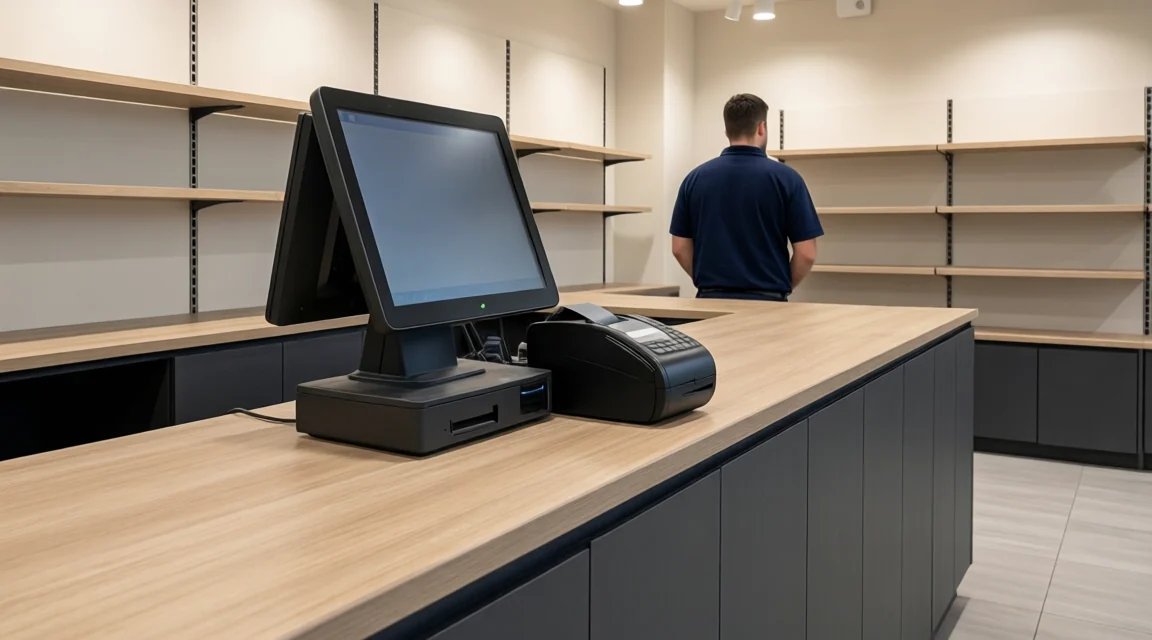
BlueNova helped equip new stores for established retail chains in shopping centres in Spain, Portugal and Italy. The work spanned the technology a store needs to open, from installing and certifying the network cabling to connecting point-of-sale equipment, printers and the store management system. It also included people counters to record how many visitors entered the stores.
On this page
- The technology needed for a new store
- How the installations came together
- What the work covered
- What to include in your brief
The technology needed for a new store
A new shop needs a working connection at each point where staff or equipment use the network. The checkout counter needs connections for the point-of-sale (POS) terminals and printers. The communications rack houses the cabling termination points and network equipment that connect those devices to the store systems. The entrance needs its own place in the plan when the store measures visitor numbers. BlueNova’s field work covered these different parts of the technology installation.
The location of each connection matters as much as the equipment list. A revised counter layout can move the cable outlets, while a different entrance arrangement can change where the people-counting equipment needs to be installed. For a new opening in a shopping centre, access to the premises and the availability of the work areas also affect when the individual jobs can be done.
How the installations came together
Structured cabling, patching and certification
The infrastructure work covered installing structured network cabling, putting the communications rack and network equipment in place, and patching the connections. Patching connects the required panel ports to the network equipment, so the outlets at counters and other points have the connections they need. BlueNova also carried out cable tidying and remediation where required. That work makes it easier to see which connections go where when an installation needs to be checked or changed later.
Cable certification was part of the work. Certification tests the installed link against the relevant cabling requirements. A device powering up or a link light coming on answers a different question. Both the physical link and the connected device need their own checks before the installation can be assessed as a whole.
Checkout equipment and the store management system
BlueNova installed the POS terminals, printers and equipment for the store management system as part of fitting out the stores. A useful way to plan this work is around each checkout position. The network point has to serve the equipment at that position, and the terminal and printer have to be in the right places for staff to use them. This approach gives the store team and the installer a shared reference when reviewing the layout.
People counting at store entrances
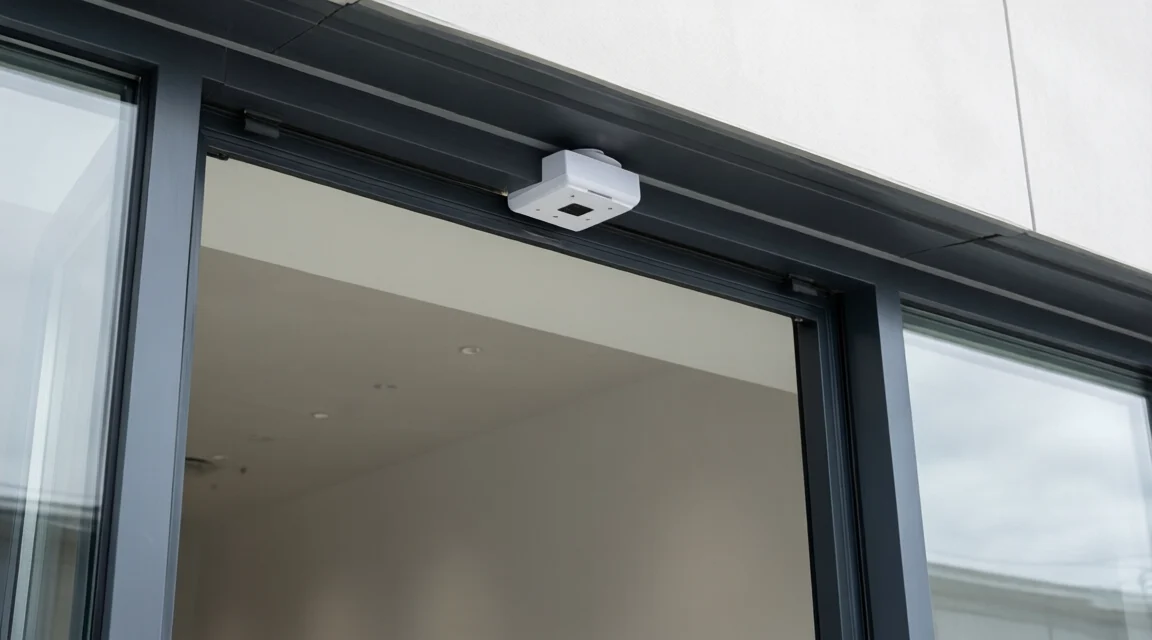
The work also included installing people-counting systems to record the number of visitors entering the stores. Entrance equipment belongs in the installation plan alongside the rack and checkout equipment. Confirming the area the system is intended to cover and how it connects to the rest of the installation helps define the work before the opening.
What the work covered
The work brought together the physical network, its certification, active equipment, store terminals and entrance counters across retail locations in Spain, Portugal and Italy. Each item represents a different part of getting a store equipped. A list of devices alone would miss the cabling that joins them or the testing required to assess the installed links.
What to include in your brief
- Site and access. List each store and its planned opening date. Note when the communications room, checkout area and entrance will be available for work.
- Network and equipment. Mark the outlets, rack, network equipment, checkout terminals, printers and visitor counters on the layout. Identify what is already on site and what will arrive separately.
- Checks and responsibilities. State which links need certification and who checks the POS, printers, counting system and store management equipment.
Explore networks and infrastructure or book an IT assessment.
Let’s talk about your IT.
Tell us what your team needs today and what you would like to improve.