
Opening a new office or site is a sequence of decisions, and the order matters more than the equipment list. The internet line, the cabling and the number of people who will work there all depend on choices made before anyone orders a laptop. This checklist is a timeline: for each stage it names the decision, who usually takes it and where to read more.
It is general guidance. The decisions are yours; scope and arrangements with any provider are agreed with each organisation.
Questions about this guide? Talk it through with us
The timeline at a glance: decisions, owners and where to go deeper
Read the table as a sequence. Some stages overlap, but the building and the internet line come first because other stages wait for them. Each row hands off to a guide that goes deeper, and the sections below add only what a new site changes.
| Stage | Decision to make | Who usually decides | Where to go deeper |
|---|---|---|---|
| 1. Before you sign | Which IT facts about the building and its operators must be known first | Management, advised by the IT lead or provider | Stage 1 below; structured cabling planning guide if new cabling is needed |
| 2. Day-one needs | Who works there, which systems and hours, and what can wait | Management and team leads | Stage 2 below |
| 3. Lines and network | Which internet line, who orders and installs it, how the site joins the others, how Wi-Fi is planned | You decide, and you choose who coordinates the suppliers | Network planning guide and Wi-Fi site survey checklist |
| 4. Doors and cameras | Who plans, installs and maintains entry and camera systems | Management, with IT and the installer | CCTV network requirements guide |
| 5. Devices, accounts and local suppliers | Where devices are bought and prepared, when accounts are created, and who coordinates the contractors | IT lead or provider, with HR; you choose the coordination model | IT support across Europe guide |
| 6. Day one and review | What must work on the first morning, who to call, when to review | Management and the IT lead | Stage 6 below |
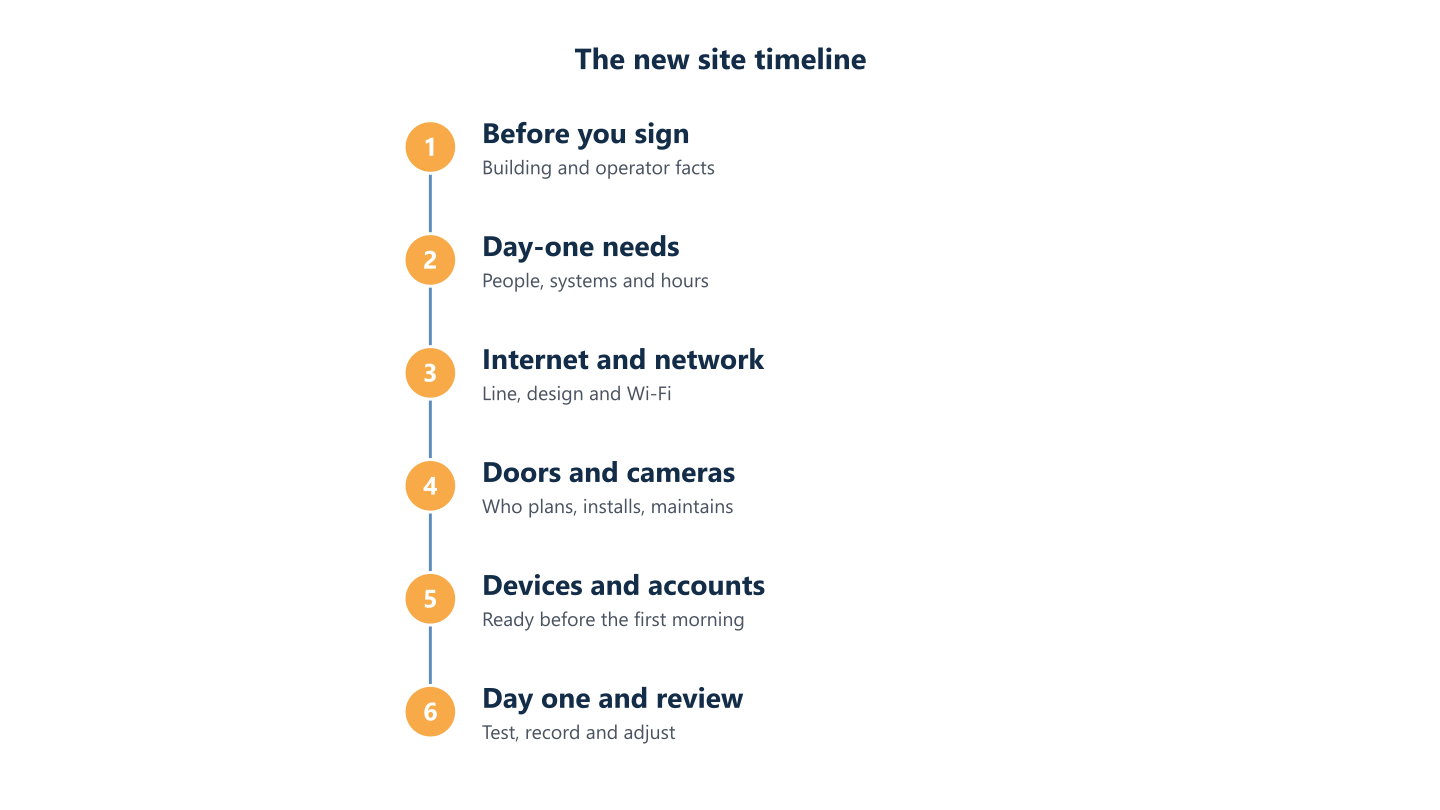
Read the steps as text
Before you sign, day-one needs, internet and network, doors and cameras, devices and accounts, day one and review
Stage 1: before you sign for the premises
IT rarely chooses the location, but IT facts should reach the decision before the contract is signed. Put these questions to the estate agent, the landlord and the operators:
- Which internet operators serve this address, and which services can each one install?
- Where do the lines enter the building, and who controls the riser or communications cabinet?
- Is there usable cabling, or will new cabling be needed, and who may install it?
- Is there space and power for network equipment, and are there limits on drilling or fixing equipment to walls and ceilings?
Write the answers down. Ask each operator what installation date it can confirm, and get it in writing. The internet line is often what sets the opening date, so do not plan around an assumed one. If the building needs new cabling, our structured cabling planning guide covers design, test results and handover.
Stage 2: decide what must work on the first morning, and who supports it
Before ordering anything, list who will work at the site, in which roles, languages and hours, and which systems each group needs. Split the list in two: what must work on day one, such as sign-in, email, shared files, printing, phones and the main business applications, and what can follow in the first weeks. This list sizes the internet line, the Wi-Fi and the number of devices, and it keeps the project from stalling on features nobody needs yet.
Apply the baseline you already have
A new site should join your existing security baseline and account routines instead of inventing its own, and it is easier to apply them from the first day than to add them later. The common baseline in our IT support across Europe guide gives a checklist to compare against.
Name the local contact and the support route
Decide who at the site is the local contact, usually an office manager, in which language people will ask for help and through which channel. Note the support hours of whoever supports the site alongside the contact’s details. BlueNova IT, for example, supports English and Spanish, Monday to Friday, 09:00-18:00 CET, and people at the site should know that before opening day, not on their first problem.
Stage 3: internet, network and Wi-Fi, the decisions other steps wait for
The line, the network design and the Wi-Fi plan are decisions that several later stages depend on. The first decision is simple to state and easy to leave unmade: who orders the internet line and the local installation?
Who orders the line and the installation
You decide. You can order directly, or you can ask a coordinator to deal with the operator and the local suppliers for you, but the decision stays with the business. With BlueNova IT, you decide, and we act as the single point of contact, in English and Spanish, with the operator and the local suppliers of the site. On-site installation is confirmed for each project. For the sites it covers, our networks and infrastructure service starts with an interview per site and delivers a sites-and-connections map and an equipment inventory. How that applies to a site you are still planning is agreed for each project.
How the new site joins the rest of the network
Decide how people at the new site will reach shared systems and cloud services, and how the site connects to your others. If your teams use Microsoft 365, Microsoft’s network connectivity guidance recommends sending Microsoft 365 traffic to the internet from the local site, with local DNS, rather than routing it through a central office. The guidance is written for larger networks, so ask whoever designs the network how it applies to a small site. Our network planning guide lists what to assess and which questions to put to suppliers, and the Wi-Fi site survey checklist covers coverage, cabling, power and validation, so this guide does not repeat them.
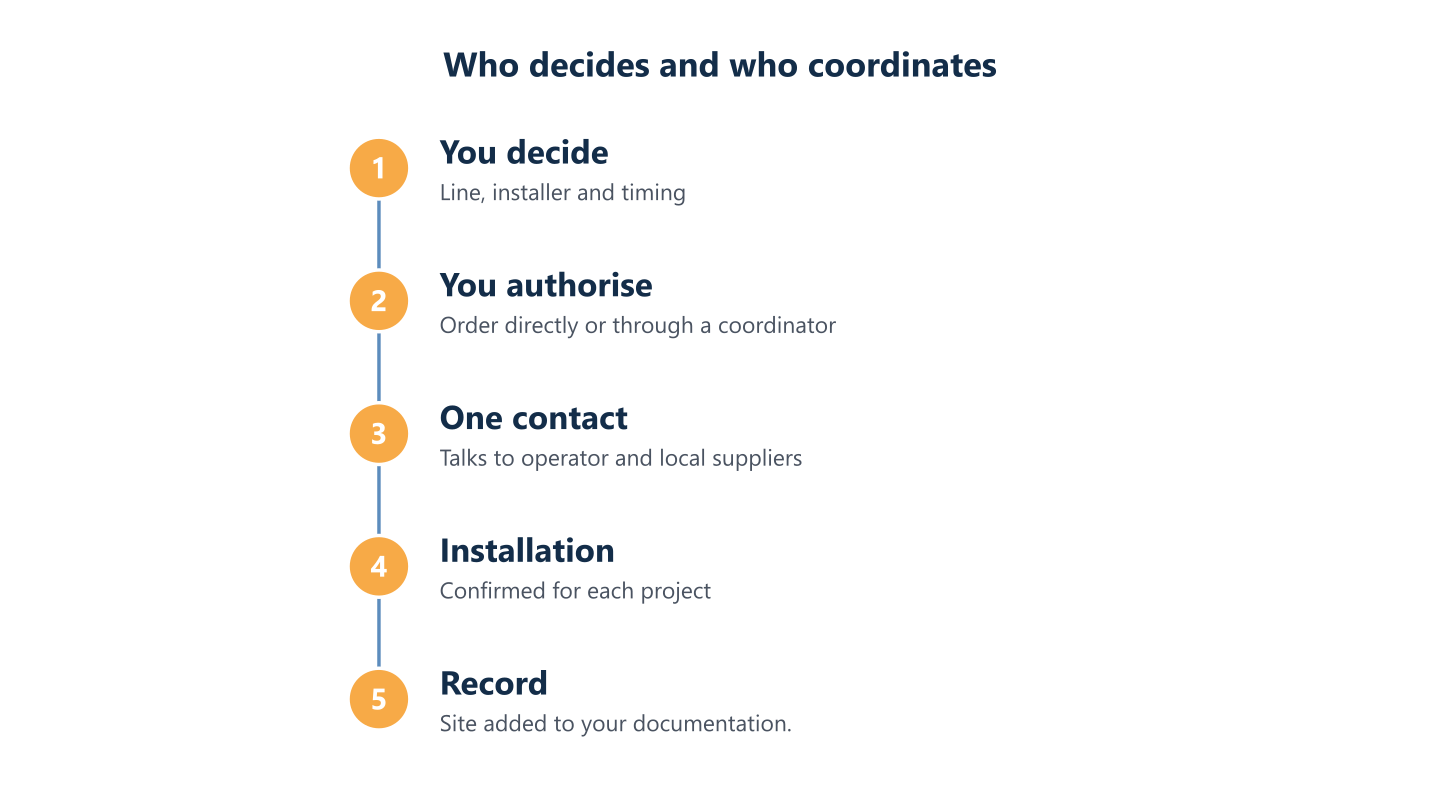
Read the steps as text
You decide and authorise line and installation, one contact coordinates operator and suppliers, installation confirmed per project
Stage 4: doors and cameras
Entry and camera systems are network devices, so decide early whether the site needs them: they add cabling, power and the need to keep them on a separate network segment. Settle three things: who plans the system, who installs it and who maintains it afterwards, including who holds the administrator accounts. Ask the installer for a handover record and keep it with the rest of your documentation. Our CCTV network requirements guide lists what the network must provide and which handover documents to request. Data protection rules for cameras depend on the country, so take local advice; this guide is general information, not legal advice.
Stage 5: devices, accounts and local suppliers
These decisions are separate from the network but share a deadline: the first morning.
Devices and accounts
Decide before ordering how devices are sourced; the Europe guide compares the options. Then decide how devices are prepared. Technologies such as Microsoft’s Windows Autopilot are designed to set up and pre-configure new devices so they are ready for productive use, provided the licensing and device management it relies on are in place. Create each person’s accounts and licences before the first morning by following your normal joiner routine, so the site does not invent a second one.
Local suppliers: choose who coordinates them
A new site usually involves several outside parties: the operator, a cabling contractor, an electrician, an equipment supplier and the building’s management. Decide before the first visit who coordinates them, and name one owner for each contractor. The IT support across Europe guide compares the coordination models.
Stage 6: day one, the first weeks and the record
Test the day-one list with someone who will work at the site before opening day: sign-in, email, shared files, printing, phones, Wi-Fi in every room people use and, where installed, the door and camera systems. Check that people know how to ask for help and in which hours.
Add the site to your documentation
Record the site while the details are fresh: its internet line and supplier, the main equipment, the sites-and-connections picture, supplier contacts, renewal dates, and who holds the administrator accounts. A site that is not recorded becomes tomorrow’s unknown, and the person who knew the details will have moved on to the next task.
Review after the first weeks
Ask the people at the site what slowed them down, check that each supplier has closed its work and fix what the day-one list missed. Treat the review as part of the project: small gaps in the first weeks, such as a printer nobody can find or a room with weak Wi-Fi, are cheap to fix while the contractors are still engaged.
A new site goes well when the order of decisions is clear and each one has a named owner. Start with the building and the internet line, define the first morning, decide who coordinates the suppliers and finish by recording what you built. If you would like to talk through a site you are planning, tell us about it through the contact form. We support organisations in English and Spanish, Monday to Friday, 09:00-18:00 CET, and scope is agreed per organisation.